PORTAL WORKFLOW
Portal User Guide (Bulk Analysis)
Secure bulk analysis of property intelligence via Excel uploads and operational workflow delivery.
What you’ll see
A quick tour of the portal experience — from secure login to uploading and retrieving processed outputs.
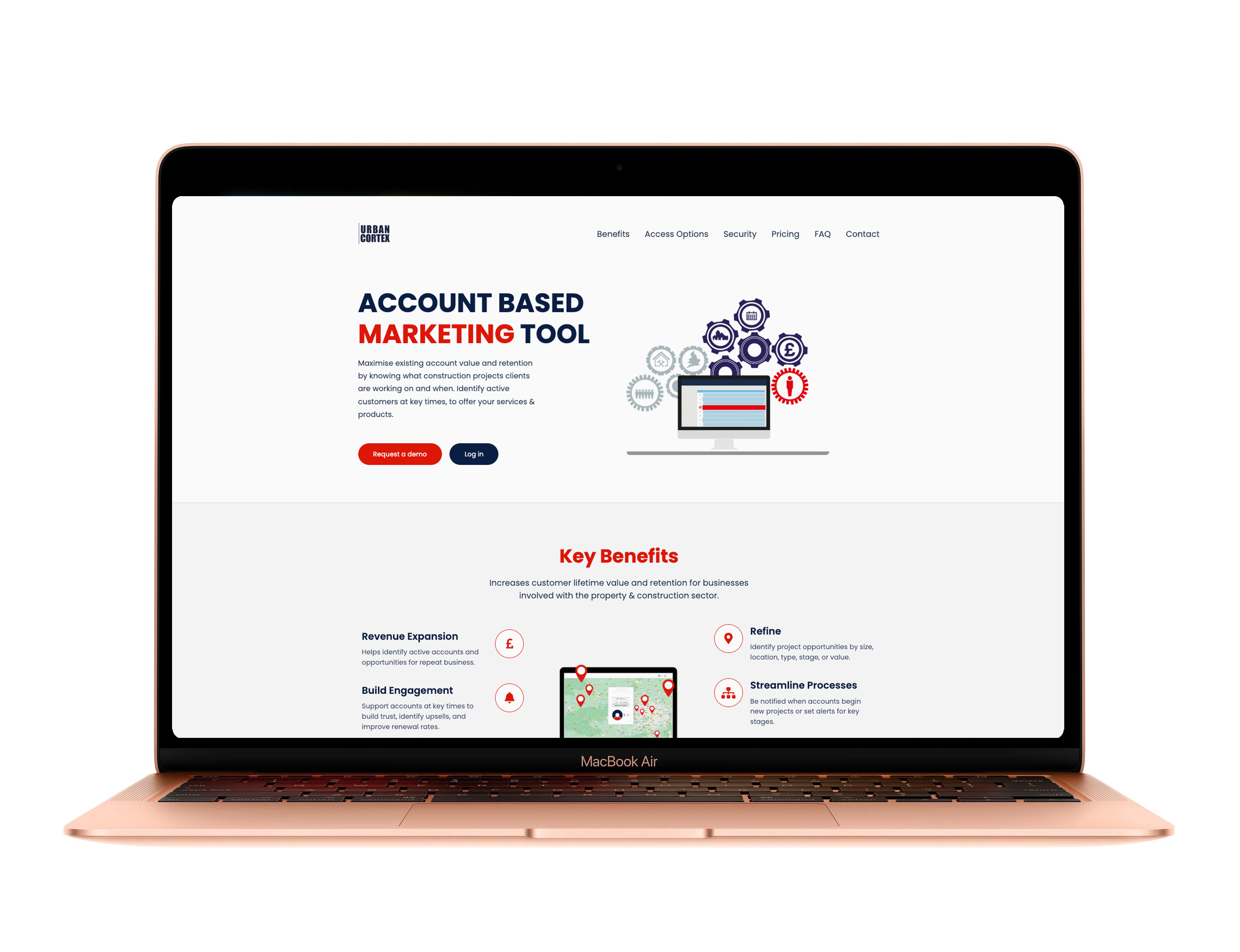
Portal overview
A clean operational dashboard to manage uploads and outputs.
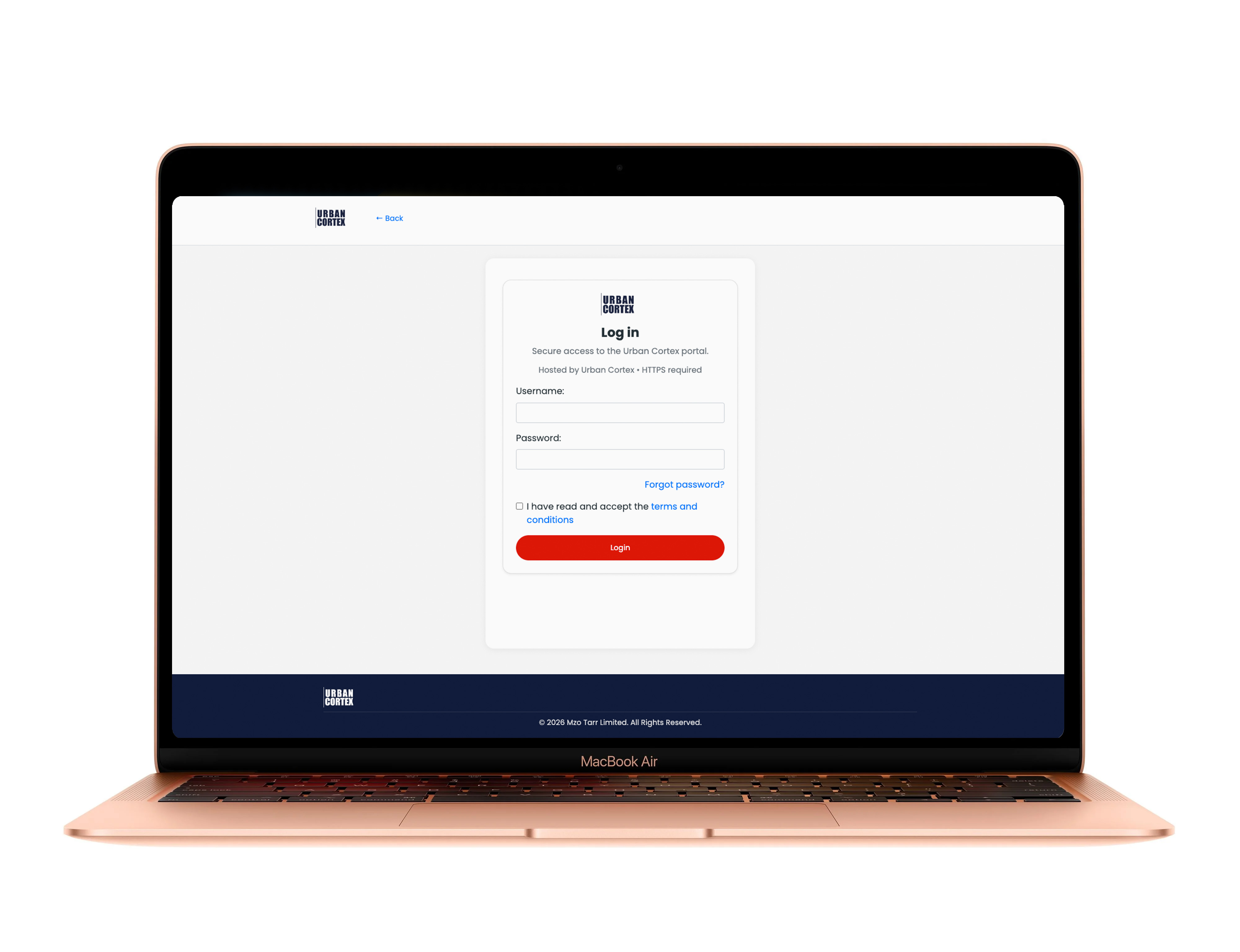
Secure login
Protected access with multi-factor authentication (MFA).
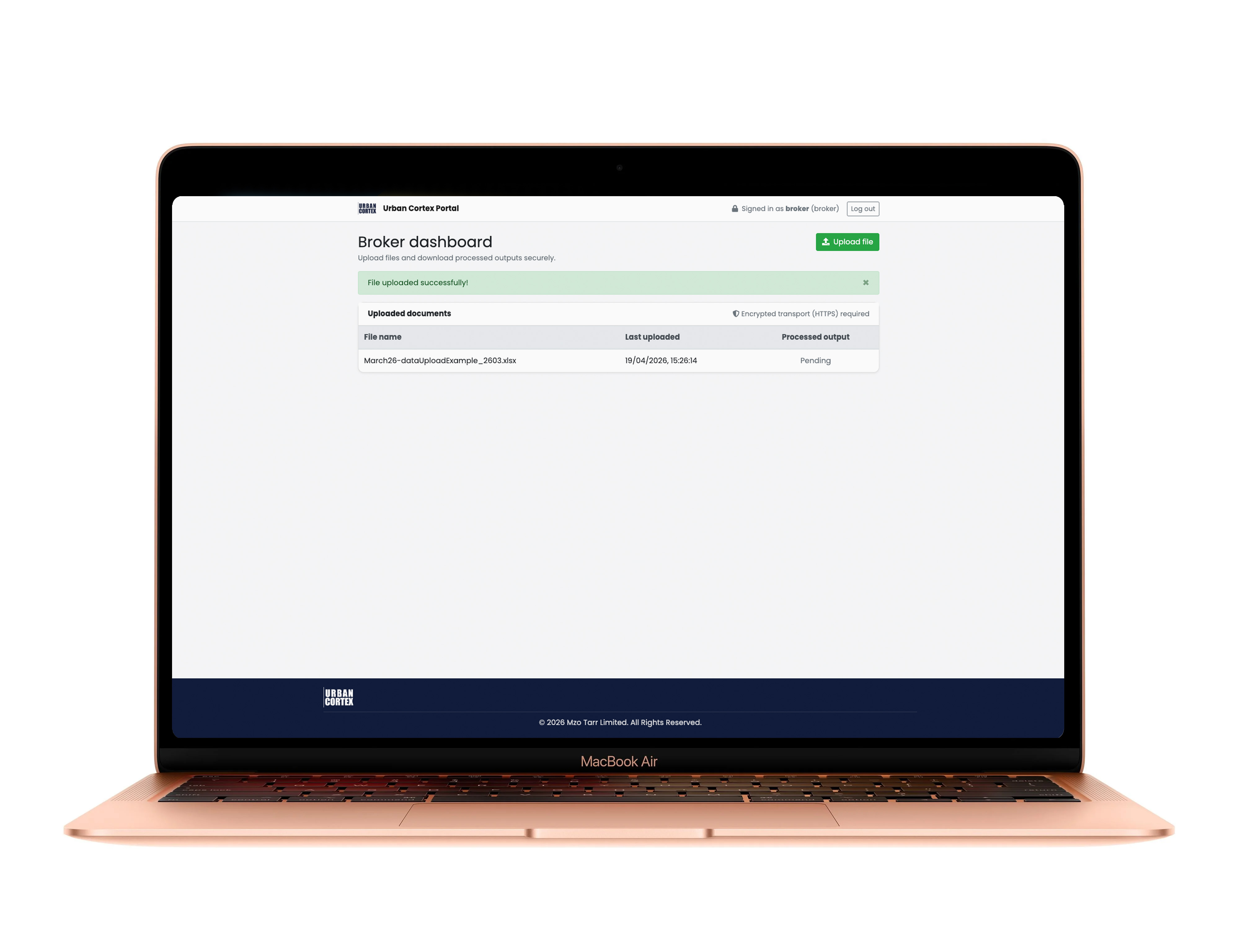
Broker workflow
Upload files and retrieve processed operational outputs.
Operational Workflow
How organisations securely process, analyse, and retrieve operational intelligence.
Access & Authentication
- Portal account provisioned
- MFA required
- Secure user login
- Controlled access environment
Upload Portfolio File
- Upload Excel file
- Address + postcode required
- Bulk upload supported
- Job ID generated automatically
Operational Processing
- Matches planning applications
- Detects operational signals
- Enriches records
- Runtime depends on file size
Retrieve Outputs
- Download enriched Excel outputs
- Planning status
- Project details
- Operational timing signals
- Application links
Governance & Security
- MFA protected
- Isolated processing
- UK-hosted infrastructure
- No automatic CRM sharing
- Enterprise audit capability
Common Issues & Support
Troubleshooting guidance and enterprise support workflows.
Login Issues
- Ensure phone signal for SMS (if applicable).
- Check authenticator app time sync.
- Request a new login link if needed.
Upload Errors
- Missing address columns.
- Password-protected Excel files.
- Incorrect file format (fix: re-save as .xlsx and retry).
Runtime Expectations
- Runtime depends on file size and platform load.
- Jobs are processed within 7 days.
- You’ll receive a confirmation message and a Job ID for tracking.
Enterprise Security
- Portal protected by MFA.
- Jobs run in isolated environments.
- UK-hosted infrastructure.
- No automatic data sharing with CRM systems.
- Enterprise customers can request audit logs, custom retention periods, and dedicated environments.
Support
- Contact support via the portal for help.
- Provide your company name and Job ID for faster resolution.